You can choose to see the film on the last page before you begin reading this document
The result under the button CIPHER gives us an idea of what ExplicitPass is capable of doing. The encrypted password x8RU-(-iG9LC6RAXk1 is ugly enough to discourage attackers to try to guess it. You don't need to read it, just a quick copy/paste to use it to fill in the form on a site you wish to access.
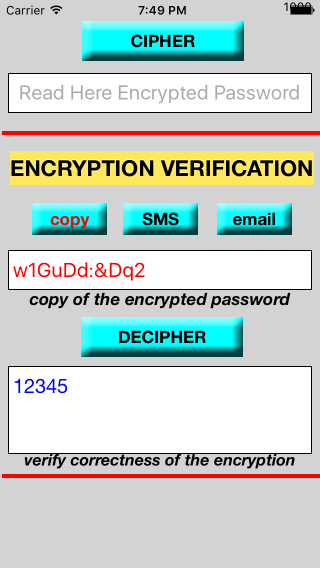
The third part of the application has three functions. That seen with the title VERIFYING CIPHER and button "copy" with the inscription in red. When this function is active it is realized the inverse process of the encryption and you can have essentially the following uses:
- decrypt messages sent from a partner with whom you share the keys besides to the alphabet and option "constraints".
- verify that the encrypted password that we are going to use corresponds precisely to plaintext password. With what we become aware of the perfect match between the encrypted and unencrypted passwords; This makes us feel, regardless of the algorithm, "rightful owners" and "creators" of the encrypted password, even if we do not even dare to read it.
- deciphering PIN and secret codes stored in encrypted version anywhere whitout fear of being by theft. This opportunity allws you to solve another problem that affects users of the digital age. The use of digital cards such as ATM debit cards, credit cards, postal codes to access online banking and so on has been spreading like wildfire. These are numbers or strings of characters that, given the growing number, are always very difficult to memorize. So, oftentimes they use many different tricks to ensure some security and prevent theft of this sensitive data. In many cases we adopt pretty "free-range" strategies for keeping track of this information, such as writing this the passwords in phonebooks, on purchase receipts, in various books, and so on. The result of all this is that we often forget where we have put them or where and how we wrote them.
ExplicitPass can help us in this case. Let’s use the example of Silvana again and assume that the PIN for her ATM card is the number 12345. Silvana can encrypt this number as her plaintext password (also using the same keys and the same alphabet and the same option constraints). Silvana would get the result as seen in Fig.8.
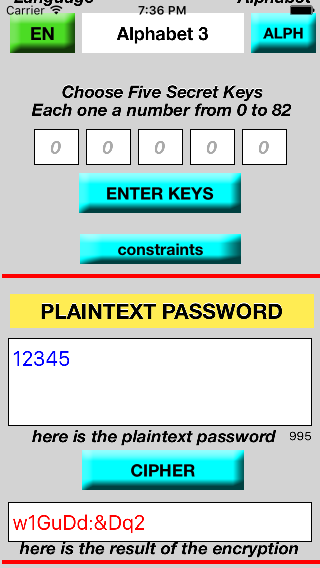
Fig.8 ExplicitPass on iPhone - Encryption PIN
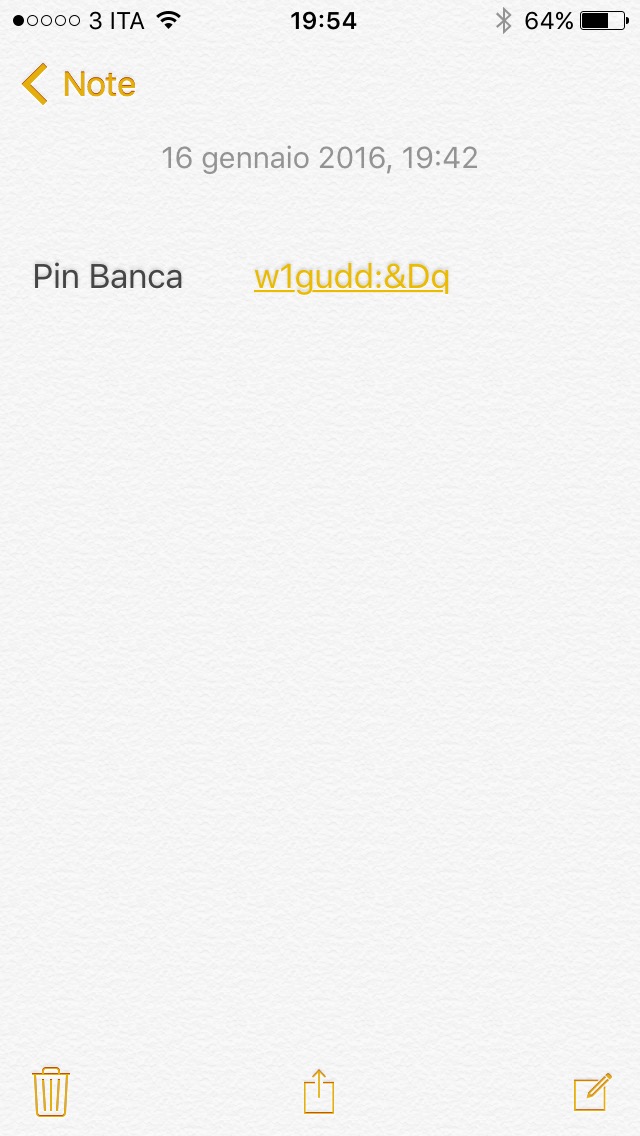
Fig.9 Storing encrypted PIN in the Notes app